The platform decision
Build around how people will find you.
Choose Twitch if a live community is your main product, YouTube if searchable videos and live sessions belong in the same strategy, or Kick if your target audience is already there and its subscription terms fit your plans. Test your niche before committing to one platform.
Three platforms, three different strategies
The recommendations below are editorial judgments, not guarantees of growth. A platform cannot create an audience just because your channel is technically live. Look at creators in your category with an audience size near the one you are trying to reach, not only the largest channels.
| Platform | Our suggested use | Tradeoff to investigate |
|---|---|---|
| Twitch | Repeat live appointments and an active chat community | How new viewers will discover your specific channel |
| Kick | A live audience with an existing reason to follow you there | Category fit, moderation needs, and monetization eligibility |
| YouTube | Live sessions supported by useful videos, clips, and search | Time required for packaging and editing alongside streaming |
Evaluate discovery before revenue share
Open your preferred game category during the hours you intend to stream. Count channels near your likely viewer level, examine their titles, and note what makes a new visitor stay. Repeat on several days. A popular category with hundreds of competing channels and a quiet category with little audience demand can both be difficult places to start.
For Twitch, build a repeatable reason to return: a challenge run, a particular skill, a helpful teaching format, or a reliable group session. Plan how clips, collaborations, and existing communities will bring people to the broadcast. Going live longer without improving the reason to watch is an expensive use of your time.
For YouTube, plan an edited companion video before streaming. A troubleshooting guide, boss tutorial, or useful comparison gives the session a purpose beyond the live window. Use accurate titles and thumbnails that answer a specific question. An archive of several hours of unstructured gameplay is harder to package than a focused segment.
For Kick, investigate your exact community and its expectations. A favorable subscription split can matter when people subscribe; it does not tell you how many people will find your channel. Compare the tools you need for moderation and the suitability of nearby content for your audience.
Monetization: read the terms behind the headline
Kick’s help center states a 95/5 split for subscriptions and KICKs revenue, with the 5% described as a processing fee. Monetization requires eligible program status. This is a revenue-share term, not a promise of earnings or an automatic payout to every new account. [1]
YouTube distinguishes earlier access to certain fan-funding features from eligibility for advertising revenue. Its current help page lists 500 subscribers, three recent public uploads, and qualifying viewing thresholds for channel memberships, while ad revenue requires 1,000 subscribers and higher viewing thresholds. Availability and additional requirements apply, and admission is reviewed. [2]
For Twitch, check your dashboard and the current program agreement for the terms that apply to you. Do not treat one frequently repeated revenue split as universal across program tiers, products, and agreements. For all three services, account for taxes, country availability, payment setup, and any special contract you sign.
A useful early metric is returning viewers, followed by whether those viewers participate and come back for the next session. Revenue share becomes relevant after the channel offers something people want to support. Avoid buying a large equipment package based on hypothetical subscription income.
A practical OBS starting point
Use a wired network connection when possible, and test upload stability at the time you will actually stream. An occasional speed-test peak is less useful than a stable connection during a full session. H.264 is a useful compatibility baseline; newer codecs must be supported by the destination and your encoder.
| Destination | Starting approach | What to verify |
|---|---|---|
| Kick | H.264, CBR, 2-second keyframes; up to 1080p60 and 8,000 kbps | The current official setup guide and your sustained upload |
| Twitch | Use the current OBS service defaults or eligible Enhanced Broadcasting setup | Account capabilities, available codecs, and viewer quality options |
| YouTube | For H.264 1080p60, its current table recommends 12 Mbps; CBR and 2-second keyframes | Its codec-specific ingestion table and your stream-health dashboard |
Kick’s setup guide and YouTube’s encoder documentation support the figures above. Settings change, so check the linked documentation before going live. Do not copy a Kick bitrate into YouTube and assume it is equally suitable. [3] [4]
If your connection cannot sustain the intended setting with headroom, reduce output resolution or frame rate. A stable 720p broadcast can be easier to watch than a sharp 1080p stream that repeatedly freezes. Test motion-heavy gameplay, your face camera, and alert animations together; an idle scene is not representative of a busy session.
Monitor OBS statistics. Network-dropped frames suggest an upload or route issue; rendering or encoding lag points toward a local workload problem. Reduce one variable at a time, keep a note of the change, and repeat the same test scene. That makes troubleshooting much faster than changing every setting at once.
Go live with a setup you can troubleshoot
- Connect your account. Use the service’s supported account connection or its stream URL and key. Keep the key private and regenerate it if exposed.
- Build three scenes. A starting screen, gameplay, and a break screen are enough for a first session.
- Set audio deliberately. Record your voice, keyboard, and game together. Listen on headphones, then check a phone speaker.
- Test the full workload. Play a demanding segment, trigger alerts, and check whether audio clips or drifts.
- Set the title and category. Make the intended game and activity easy to understand. Kick specifically calls out stream-info setup in its guide.
- Review the result. Watch the first few minutes and a busy section rather than judging only the live preview.
Spend on the problem you can hear or see. Moving a microphone closer can improve intelligibility before a camera upgrade does anything useful. Good lighting and a tidy frame can make an existing webcam more useful. A capture card is a workflow decision for console or dual-PC capture, not a requirement for streaming a game running on the same PC.
Can you stream to all three at once?
Twitch permits simulcasting subject to its guidelines and any applicable exclusivity agreement. Its documentation warns against degrading the Twitch viewing experience compared with another destination. Read the full rules for viewer redirection and combined activity before designing overlays. [5]
YouTube also documents multistreaming. Sending separate streams from home means budgeting upload for their combined bitrates; a cloud relay can send one upstream feed and distribute it. YouTube suggests aiming for roughly 1.5–2 times the combined target bitrate when estimating upload headroom. [6]
Check Kick’s current program or contract terms too, particularly if you join a paid partner arrangement. General streaming permission and the conditions of a specific incentive agreement are separate questions. Keep chat moderation manageable, and avoid building a workflow that requires you to watch three dashboards while playing.
Run a four-week experiment
Pick one consistent format, two predictable weekly time slots, and one main platform. After each session, note returning viewers, meaningful chat activity, technical failures, and the time required to make a useful clip or video. Change one thing each week: the title, opening, category fit, or segment structure.
At the end, compare the result with your goals. A creator focused on searchable tutorials may prefer YouTube even if live chat is quieter. Someone who enjoys ongoing community interaction may prefer Twitch. Kick may fit a community that already spends time there. Choose using the audience you can serve and the work you can sustain.
Upgrade the weak link
Start with clear audio.
As an Amazon Associate I earn from qualifying purchases. Compare microphone connection, monitoring, mounting, and your room before buying.
Sources and editorial notes
- Kick: revenue split
- YouTube: monetization requirements
- Kick: streaming setup and limits
- YouTube: encoder settings
- Twitch: simulcasting guidelines
- YouTube: streaming across platforms
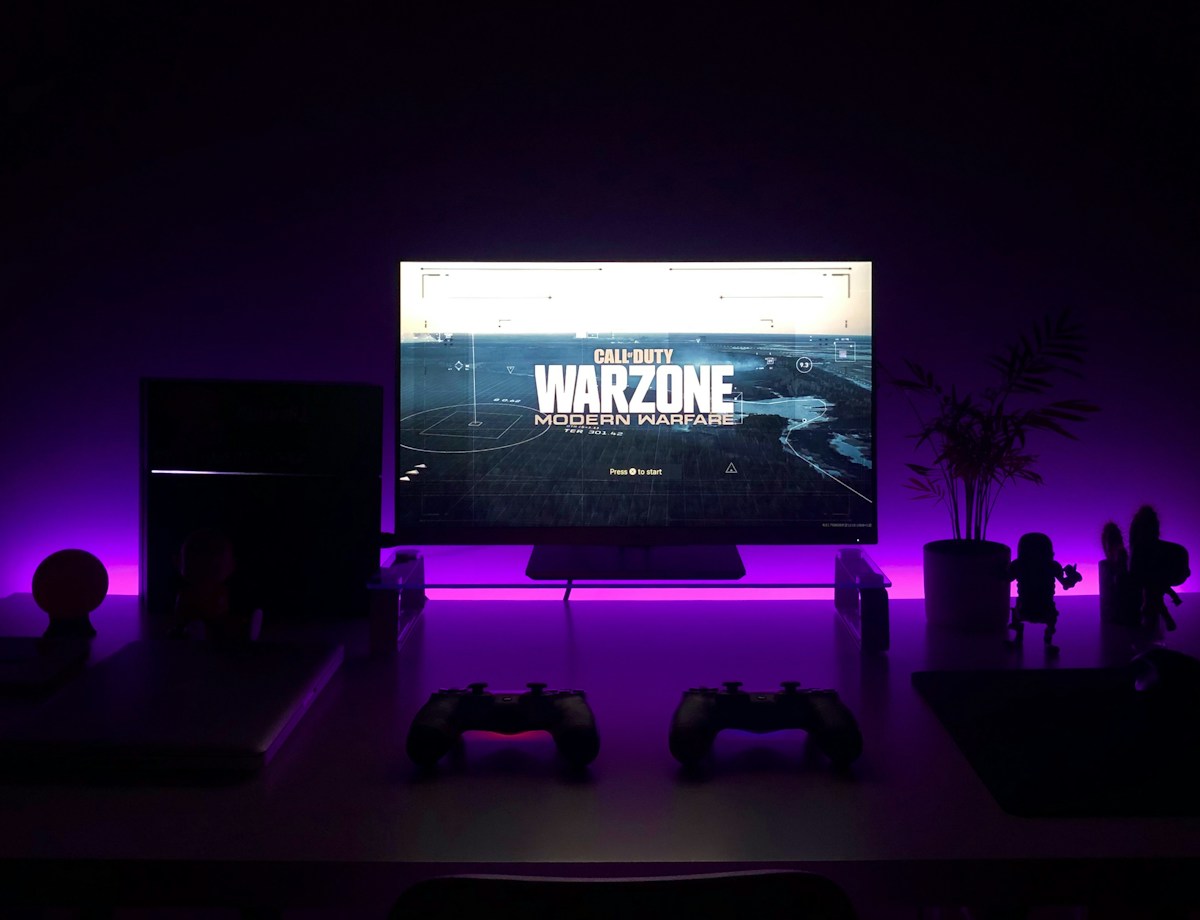
Sources checked October 3, 2026. Platform requirements and programs can change; confirm the current terms before launching your channel. Photograph: Unsplash; illustrative gaming setup.