Before the headset
Choose the experience you want to run.
Standalone VR and PC VR solve different problems. Compare the games, room, connection, and comfort requirements of the complete setup before choosing a headset by resolution alone.
Standalone or PC VR?
A standalone headset runs compatible games without a gaming PC. PC VR adds the requirements of a capable computer and a supported connection to the headset. Some hardware supports both workflows, but you still need to check whether your chosen games, software, and computer are compatible.
Do not assume a standalone purchase includes the PC version of the same game. Cross-buy, cross-play, and shared saves are separate features. Confirm each one on the game’s current store page if it matters to you.
For Meta’s PC connection workflow, use the official Horizon Link setup instructions and current compatibility requirements. A computer that runs a flat-screen game well is not automatically certified for every VR connection or encoder feature. [1]
Plan the actual room
Measure the available clear floor area rather than the entire room. Leave space around furniture, remove tripping hazards, and think about pets and other people who might enter during a session. Follow the headset manufacturer’s boundary and safety instructions. A boundary display is a warning system; it does not move obstacles out of your way.
Decide whether your games will be seated, standing, or room-scale. A simulator at a desk creates different needs from an active game with wide arm movements. Try your intended posture before investing in mounts, accessories, or elaborate cable routing.
Fit changes the experience
Comfort deserves an in-person check. Evaluate strap adjustment, weight distribution, prescription-lens options, facial-interface fit, and whether the lenses align with your eyes. A specification table cannot tell you how a headset will feel after half an hour.
Start with short sessions, use the game’s comfort settings, and pause if you feel unwell. Avoid buying accessories to solve a problem you have not encountered yet. If the headset does not fit you well, changing the core hardware may be more effective than building an expensive accessory collection.
For PC VR, test the whole path
A wired connection requires a supported cable and suitable ports. A wireless workflow depends on the local network as well as the PC and headset. An internet speed-test result does not describe every aspect of local wireless performance.
Before changing several settings, establish a repeatable test in one game. Check whether issues appear while stationary, during fast movement, or only when other devices are using the network. Test supported alternatives one at a time so you can identify whether the bottleneck is the computer, connection, or software configuration.
The purchase checklist
- The headset runs the exact games you want.
- Your PC is supported if PC VR is part of the plan.
- Your room suits the game’s movement requirements.
- The headset adjusts comfortably for you and any other users.
- The total includes required connection hardware and prescription options.
- You understand the retailer’s return conditions.
A good first setup leaves room to discover what you enjoy. Begin with the smallest supported configuration that gives you access to your chosen games, then add accessories when a real session demonstrates a need.
Sources and scope
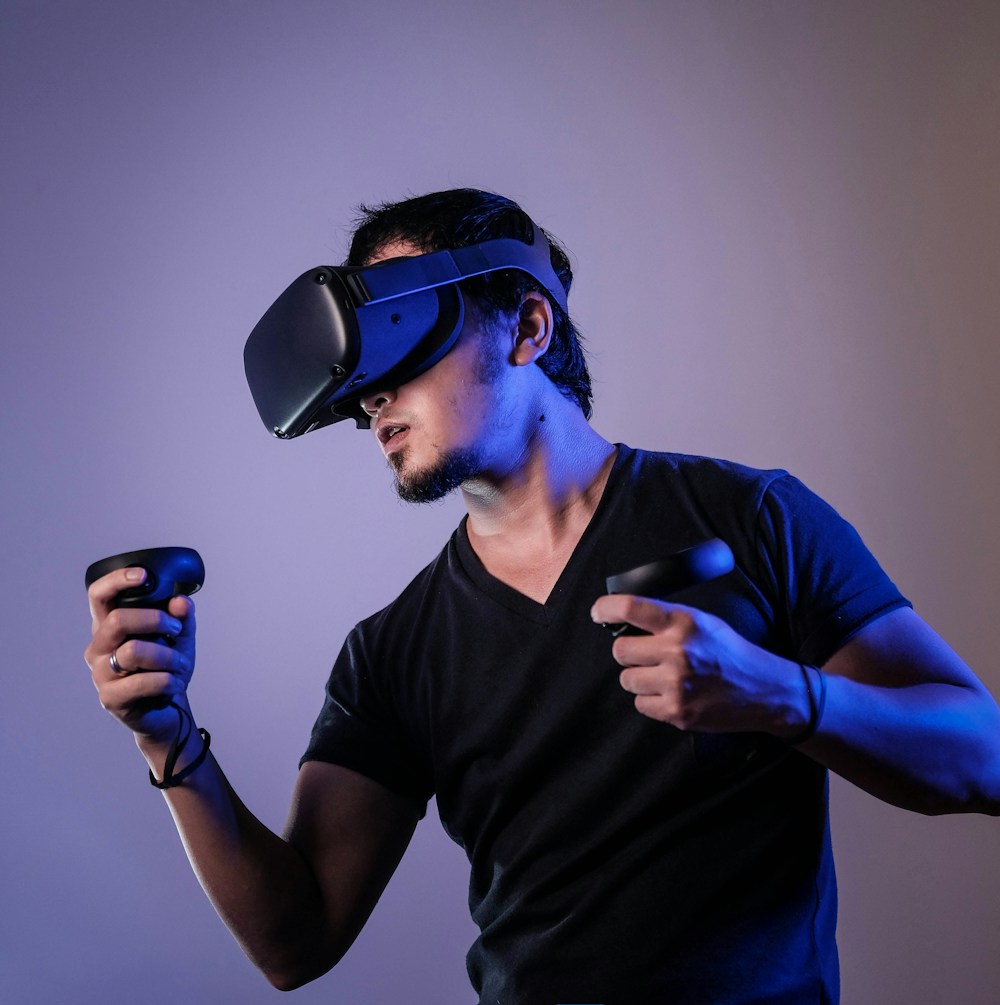
Research-based setup guide. No headset comfort test, latency measurement, or PC VR benchmark is claimed. Photograph: Unsplash; illustrative VR setup.