The gear decision
The right fit beats an impressive box.
Choose peripherals around your hands, room, connection, and play style. A useful upgrade fixes a specific annoyance: uncomfortable reach, unclear voice audio, an unreliable connection, or a layout that slows you down.
Mouse: shape before headline numbers
Start with your grip and desk space. Check whether your fingers can reach the main buttons and side controls naturally. A mouse that is comfortable for one hand size can feel awkward for another. If possible, try it before buying or use a retailer with return conditions you understand.
Weight, cable drag, button feel, and wireless charging routines are practical considerations. A sensor specification alone cannot tell you how a device fits your play style. For competitive games, test a repeatable aiming routine before changing sensitivity again.
Keyboard: choose the layout you use
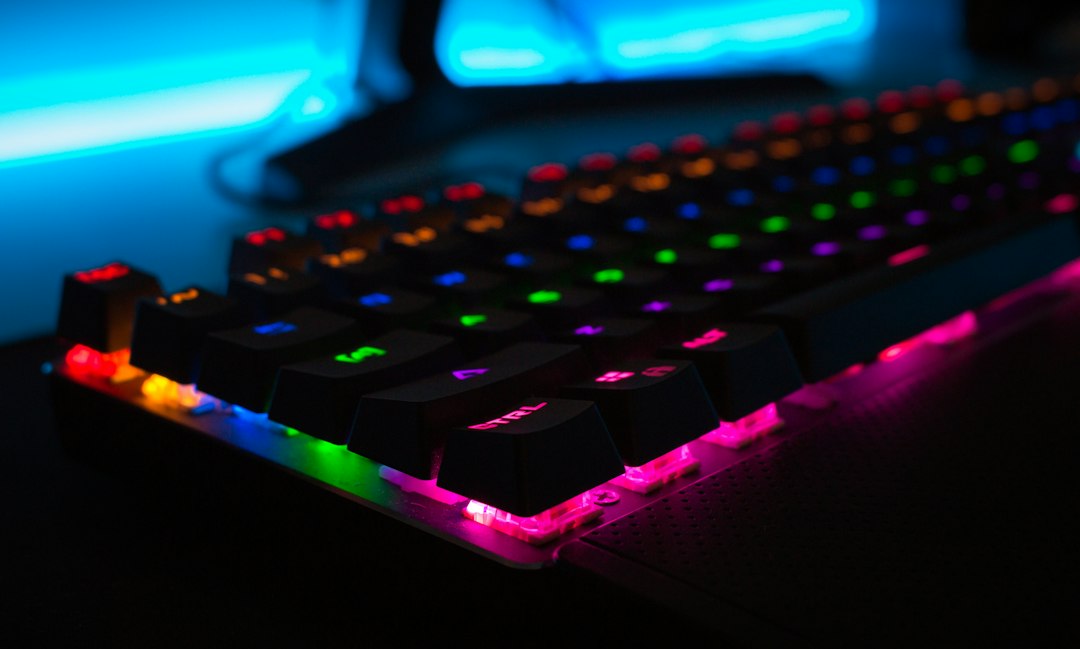
A smaller keyboard can make more room for mouse movement, but removing keys can make everyday work less convenient. List the shortcuts and keys you use outside games before choosing a compact layout. Check whether a game relies on a number pad or function keys.
Switch feel and noise are personal preferences that can affect other people in the room. Sample recordings are helpful, but they depend on microphones, desks, and recording settings. A real switch sample or store demonstration is more useful for choosing feel than a long list of marketing terms.
Audio: compatibility comes first
Check the exact platform support of a headset, especially for wireless console connections. A USB device that works on PC does not automatically work on every console. Verify chat, game audio, and microphone functionality separately if your setup combines several platforms.
For a streaming microphone, listen to a recording of your own voice in your own room. Move the microphone and adjust gain before buying another device. Keep game audio low enough that viewers can understand you during busy moments.
A headphone-monitoring output, physical mute control, and convenient mounting can matter more in daily use than an elaborate software preset. Choose the controls that solve your workflow rather than paying for features you will not use.
Make one deliberate upgrade
| Current problem | First check |
|---|---|
| Mouse feels awkward | Shape, size, grip, and button reach |
| Keyboard crowds the desk | Layout and usable mouse space |
| Voice sounds distant | Microphone position and gain |
| Headset does not carry chat | Exact connection and platform compatibility |
| Gear causes discomfort | Fit, posture, adjustment, and return options |
Keep the settings consistent long enough to evaluate a change. Replacing several peripherals together makes it harder to know which one improved the experience. If an inexpensive adjustment solves the problem, put the remaining money toward the games you actually want to play.
Compare your options
Check fit, compatibility, and return terms.
As an Amazon Associate I earn from qualifying purchases. This is an affiliate link. We have not personally tested the products in these search results.
Editorial scope
Original buying guidance, not a ranked product roundup or a laboratory review. No measured sensor, switch, or audio results are claimed. Photograph: Unsplash; illustrative PC gaming setup.