The build philosophy
Start with the screen and the games.
A balanced custom PC meets a defined workload without consuming the budget on parts you will barely use. Establish resolution, frame-rate goals, noise tolerance, and total cost before choosing a case full of expensive components.
Define the target before the parts
Write down your three most demanding games, your display’s resolution and refresh rate, and whether you will stream or edit video. Competitive play, large simulation games, and visually intensive single-player games stress a system differently. The most expensive processor is not automatically the best use of every gaming budget.
Compare recent benchmarks at your intended resolution and settings. Check minimum or percentile frame rates as well as averages. Do not combine results from unrelated test systems into a made-up performance forecast. Upscaling, frame generation, and native rendering should be labeled separately when you compare results.
Budget for the entire setup
Include the operating system, display, keyboard, mouse, audio, and delivery costs if you need them. A tower budget that quietly excludes essentials creates unpleasant surprises. Allocate money to the GPU and CPU according to your actual workload, and leave room for a dependable power supply and sensible cooling.
For a new multipurpose gaming build, 32 GB of RAM is a reasonable planning target to investigate; it is an editorial suggestion, not a universal minimum. A lighter workload may need less, while heavily modded games or production software may need more. Check requirements and measured usage before paying for unused capacity.
| Part | Check before purchasing |
|---|---|
| CPU and board | Socket, chipset support, and required BIOS version |
| RAM | Memory generation, supported kit, and slot arrangement |
| Graphics card | Length, thickness, power connectors, and display outputs |
| Cooler and case | Mounting support, height or radiator clearance, and airflow |
| Power supply | GPU manufacturer recommendations and correct native cables |
| Storage | Interface, slot availability, heatsink clearance, and capacity |
Make compatibility a documented check
Read the motherboard and case manuals before ordering. A compatible socket alone does not prove the board ships with the BIOS version your processor requires. Case dimensions should be checked against the actual GPU and cooler, including any front-mounted radiator. Intel’s assembly guide provides an overview of these component relationships. [1]
Keep a build sheet with exact model numbers and links to manufacturer documentation. Parts with almost identical names can have different dimensions or connectors. Do not reuse modular power-supply cables unless the manufacturer explicitly confirms compatibility with the exact PSU.
Build, then establish a baseline
Work on a clear surface and follow the manuals for the specific components. After the first successful boot, install the appropriate drivers and operating-system updates. Confirm storage capacity, detected memory, and display refresh settings. Test at default settings before changing memory profiles or tuning performance.
Use the same representative game sequence to record performance and temperatures after changes. A reproducible baseline makes later troubleshooting easier. If streaming is part of the target, test the game and broadcast software together instead of assuming a game-only result describes the complete workload.
Buy for the bottleneck you can identify
When upgrading an existing PC, measure the limitation first. Storage pressure, poor airflow, and insufficient memory require different fixes from a GPU-limited game. A new mouse will not fix unstable frame delivery, and a faster SSD will not automatically increase steady gameplay frame rates.
Choose an upgrade that solves a specific problem, keep the before-and-after measurements, and reassess before buying the next part. A quiet, stable machine that meets your target is a successful custom build even if it does not lead a benchmark chart.
Sources and scope
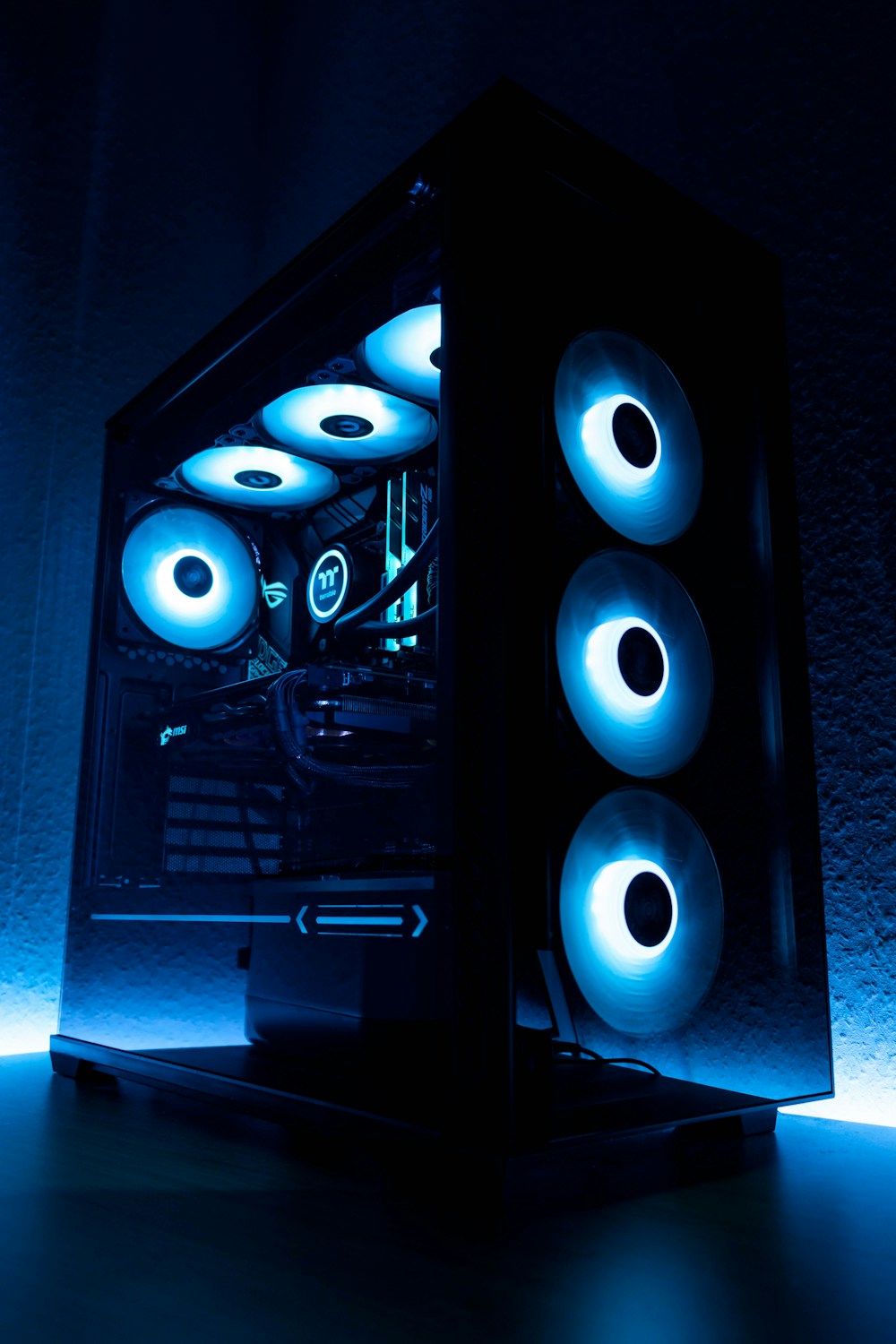
Planning guide with original editorial advice. No specific completed build or measured benchmark is claimed. Consult exact component manuals. Photograph: Unsplash; illustrative PC build.